
Download Cube Trains – Puzzle Game, 3D Puzzle, Train Puzzle, Track Building
Overview
Cube Trains is a puzzle game that challenges players to construct and connect train tracks in a three-dimensional space to guide trains safely to their designated destinations. Designed for fans of strategic thinking and spatial reasoning, the game offers a unique blend of logic, creativity, and problem-solving. The core objective revolves around building functional track networks using modular pieces, with each level presenting a new set of constraints and environmental challenges. Players must consider angles, elevation, and connectivity to ensure uninterrupted train movement without collisions or derailments.
The app targets puzzle enthusiasts, casual gamers, and mobile users seeking intellectually stimulating content. It serves as a brain teaser that promotes critical thinking and planning, making it suitable for both younger audiences and adults looking for a relaxing yet engaging pastime. With over 50 levels, the game provides sustained entertainment and progressive difficulty, encouraging players to develop new strategies with each challenge. The inclusion of a level editor adds a layer of user-generated content, fostering community-driven creativity and extending the game’s lifespan.
The developer, Cube Trains, has not provided additional background details. However, the game’s long-standing presence since its release in May 2013 suggests a stable and enduring design. The game remains relevant in the mobile puzzle ecosystem, offering a niche experience that combines track-building mechanics with 3D spatial logic. Its ability to support non-linear gameplay enhances accessibility, making it ideal for players who prefer flexibility in their gaming sessions.
Key Features & Functionality
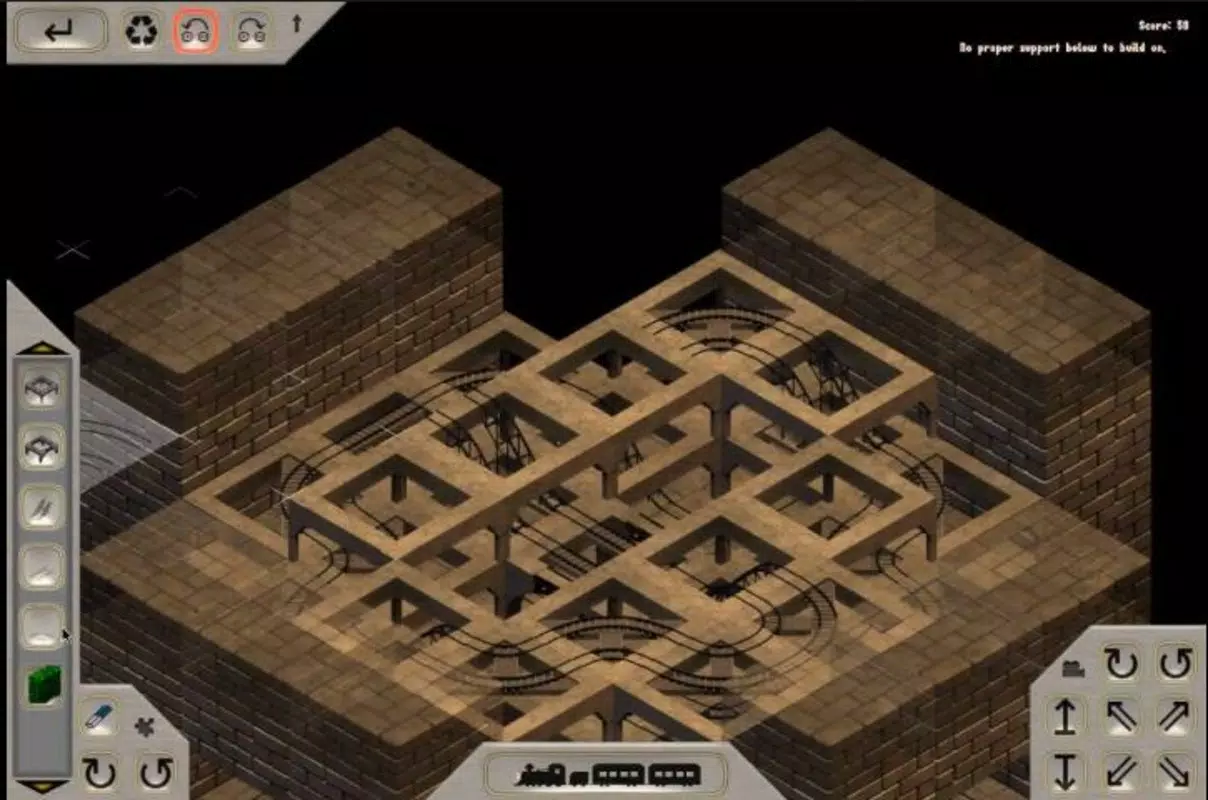
- 3D Track Construction: Players assemble track segments in a three-dimensional environment, allowing for vertical lifts, diagonal runs, and complex intersections. This feature adds depth to the puzzle-solving process, requiring players to visualize paths beyond flat surfaces.
- Over 50 Levels: The game includes more than 50 distinct levels, each with unique layouts, terrain types, and objectives. Levels are designed to increase in complexity, introducing new elements such as multiple trains, time limits, and restricted track pieces.
- Custom Level Editor: Users can create and save their own levels using a built-in editor. This tool allows customization of terrain, track availability, train count, and start/end points, enabling infinite replayability and personal challenge creation.
- Non-Linear Play Order: Players are not required to complete levels sequentially. This freedom allows users to skip difficult levels and return later, reducing frustration and supporting flexible play sessions.
- Undo Functionality: The game includes an intuitive undo feature that allows players to revert to the previous state after a mistake. This encourages experimentation and reduces the fear of failure during track design.
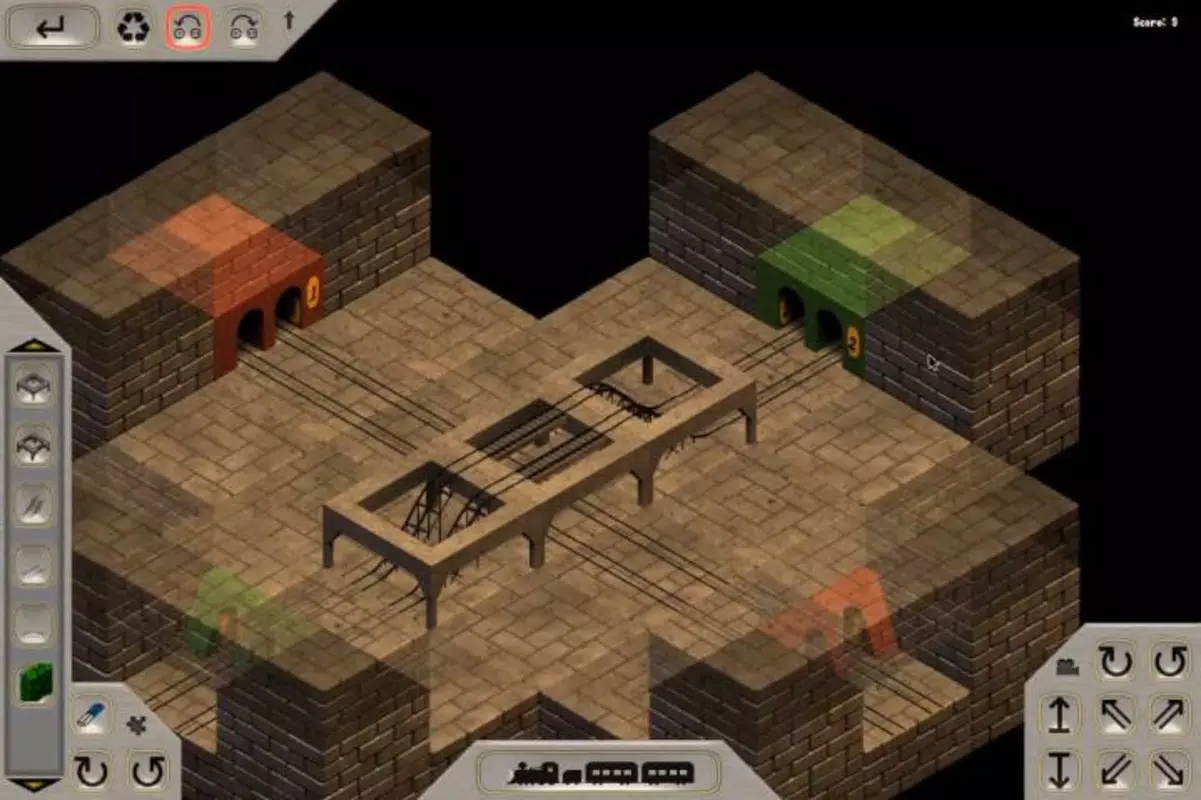
For example, a level might require a train to navigate a multi-tiered platform with limited track pieces, forcing players to optimize space and angles. The level editor lets users craft such challenges for friends or online communities. This functionality transforms Cube Trains from a passive puzzle game into an interactive creative platform, enriching the overall user experience.
Interface, UX & Performance
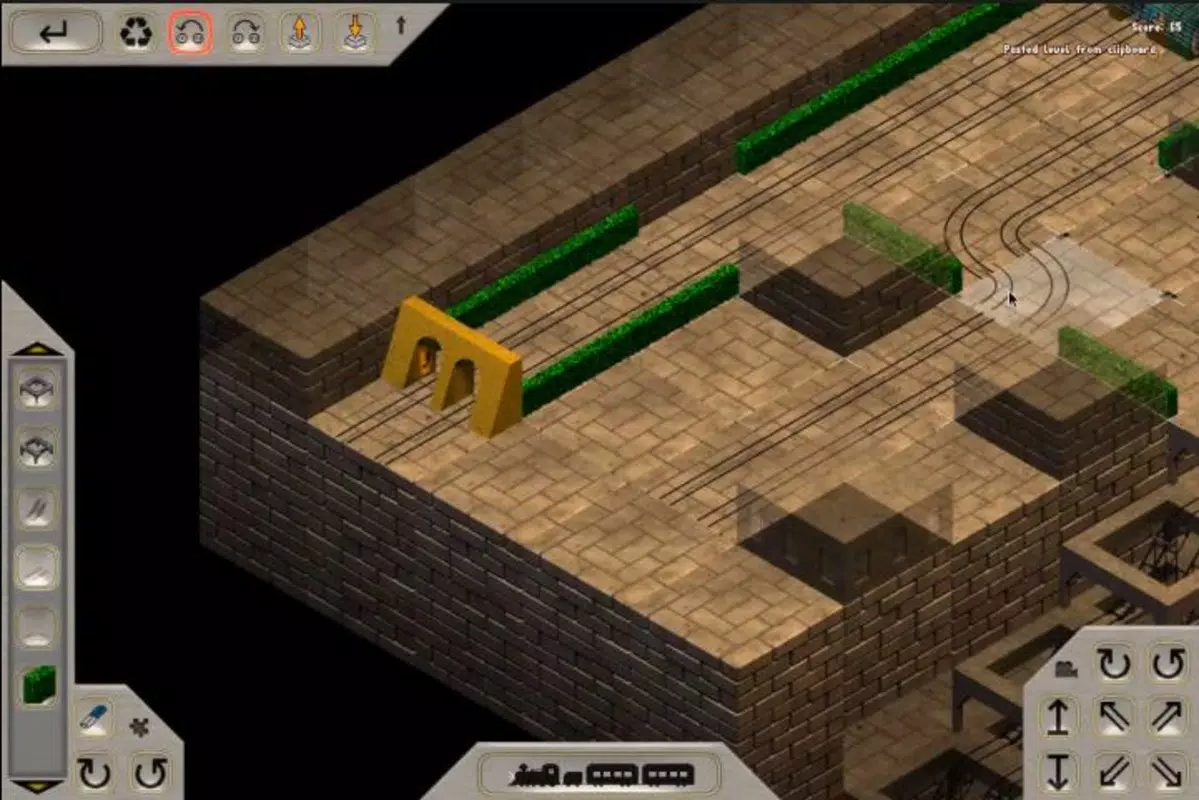
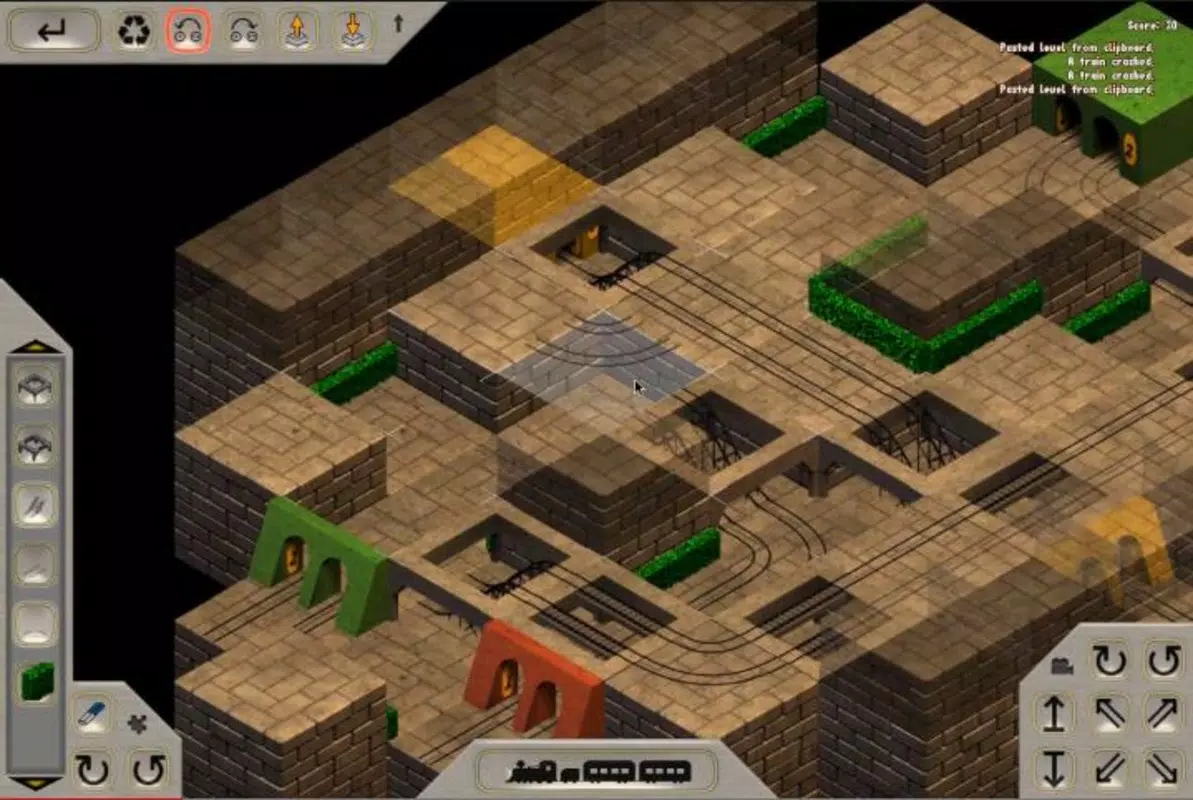
The user interface of Cube Trains is designed with simplicity and clarity in mind. The main screen presents a clean 3D workspace where track pieces are easily accessible via a toolbar. Navigation is intuitive, with touch-based controls allowing rotation, zoom, and placement of track segments. The visual style is minimalistic, using clear color contrasts and geometric shapes to distinguish track types and train paths, reducing visual clutter.
Interaction flow is smooth, with responsive feedback upon track placement and train movement. Players can rotate the camera with a single swipe, enabling full spatial awareness. The game maintains consistent frame rates across various Android devices, although specific performance metrics were not provided. The developer did not list formal performance benchmarks, but the lightweight file size of 15.7 MB suggests optimized resource usage.
Stability appears to be well-maintained, with no reported crashes or freezes in the available documentation. The game remains responsive during extended play sessions, and the undo function operates reliably. While compatibility details were not fully disclosed, the app’s long-standing availability on Android indicates broad device support. Overall, the UX prioritizes accessibility and focus, allowing players to concentrate on puzzle-solving without interface distractions.
Platform Compatibility & Technical Requirements
Cube Trains is available exclusively on the Android platform. The current software version is 1.0, and the app size is 15.7 MB, indicating a lightweight installation. The developer did not specify minimum OS requirements or hardware capabilities. As such, compatibility with specific Android versions or device types remains unclear.
Given the app’s release date in May 2013 and its continued availability, it is likely compatible with a wide range of Android devices, including older models. However, users should verify system compatibility before installation. The absence of detailed technical specifications means that performance on newer or high-end devices cannot be confirmed. Nonetheless, the small file size suggests low storage demands and efficient memory usage.
Pros and Cons
- Engaging 3D puzzle mechanics that challenge spatial reasoning
- Over 50 levels with increasing difficulty and variety
- Custom level editor for user-generated content and creativity
- Non-linear gameplay allows flexible level progression
- Undo feature supports experimentation and reduces frustration
- Lightweight app size (15.7 MB) with free access
- Specific technical requirements not listed by the developer
- Platform availability limited to Android only
- No official update history or release notes provided
- Visual design is minimalistic, which may not appeal to all users
- Gameplay may become repetitive for players seeking dynamic action
FAQ
Is Cube Trains free to download and play?
Yes, Cube Trains is available at no cost. The app does not require in-app purchases or subscriptions to access core features.
Can I create my own levels in Cube Trains?
Yes, the game includes a built-in level editor that allows users to design custom tracks, set objectives, and share their creations.
Is Cube Trains available on iOS devices?
The app is currently only available on Android. No iOS version has been announced.
How large is the Cube Trains app?
The app has a file size of 15.7 MB, making it a lightweight download suitable for devices with limited storage.
Are there any performance issues reported with Cube Trains?
There are no publicly available reports of crashes or bugs. The game appears stable, though formal performance data was not provided by the developer.
Final Thoughts
Cube Trains delivers a thoughtful and engaging puzzle experience that stands out in the mobile gaming landscape. Its blend of 3D track building, strategic planning, and creative freedom makes it more than just a casual brain teaser—it’s a tool for problem-solving and self-expression. The non-linear level structure ensures that players can maintain momentum, while the undo feature encourages risk-taking and experimentation.
With over 50 levels and a robust level editor, the game offers long-term value and replayability. The minimalistic design and efficient performance make it accessible across a wide range of Android devices. While the lack of detailed technical information and platform exclusivity may limit some users, the core experience remains strong and satisfying.
For puzzle lovers, logic enthusiasts, and creative minds, Cube Trains provides a rewarding challenge that balances simplicity with depth. Its enduring presence since 2013 is a testament to its solid design and lasting appeal.
Download Cube Trains now


